
Account, subscription, trial
Account state controls access to Watchlist.top. You can use anonymous demo, sign in and remain in demo without a subscription, or use paid access. This section also covers email confirmation, Telegram binding, subscription periods, promo codes, and renewal with Tiger or Vataga commissions.
What this section covers
- Access states: anonymous demo, signed-in demo without a subscription, and active paid access. Demo blocks working lists, exchange accounts, and settings/list transfer, and allows only one active server price alert.
- How the demo coin list is selected: demo mode uses a temporary list of 10 Binance USDT futures with the largest 24-hour quote volume when the app loads. If live 24h ticker data is unavailable, a built-in fallback list is used.
- Telegram sign-in: request a link from @WatchlistTopRuBot and open it in the browser. A new account starts in demo mode.
- How Telegram sign-in works in standalone/PWA mode: if the installed app cannot receive the browser redirect directly, copy the link from the Telegram bot and paste it into the manual link field on the Telegram sign-in tab.
- Email sign-in: an existing account opens immediately; a new one confirms the email link and starts in demo. Confirmation alone does not activate a subscription.
- Telegram binding links an existing email account through a short-lived link created in Account settings.
- Why email verification matters for the bind flow: binding Telegram requires a confirmed email address. An unconfirmed email blocks the bind option.
- How the alert delivery channel is separate from account identity: having a bound Telegram does not automatically mean Telegram is used for alert delivery. The delivery channel is set independently in Account settings.
- When access expires, active server price alerts become inactive but remain available for reactivation after renewal.
- How exchange-account access is gated: the Exchange accounts dialog can be opened from the interface, but adding read-only API keys is blocked in demo mode.
- How the one-time promo code works: the referral ID/promo code field (in the account profile or the pricing dialog) accepts either a partner ID or a one-time promo code. If the server recognizes the code as a promo code, the subscription is activated or extended immediately — the "paid to" date updates right away, without creating a payment invoice. An already-used code returns a "Promo code has already been used" error.
- Subscription periods run from 30 to 240 days in 5-day steps. Periods from 90 days receive a 10–20% discount.
- To use broker commissions, join Tiger or Vataga through the partner link or referral code, then bind the UID in your Watchlist.top profile.
- Broker renewal uses one selected UID. The server verifies its current available balance and the selected period again before renewal.
- A UID already owned by another account requires a 24-hour transfer confirmation from the previous account; its balance and spending history move together.
Key screens and controls
- Sign-in dialog with Telegram and Email tabs.
- Telegram sign-in tab in standalone/PWA mode with the manual link field.
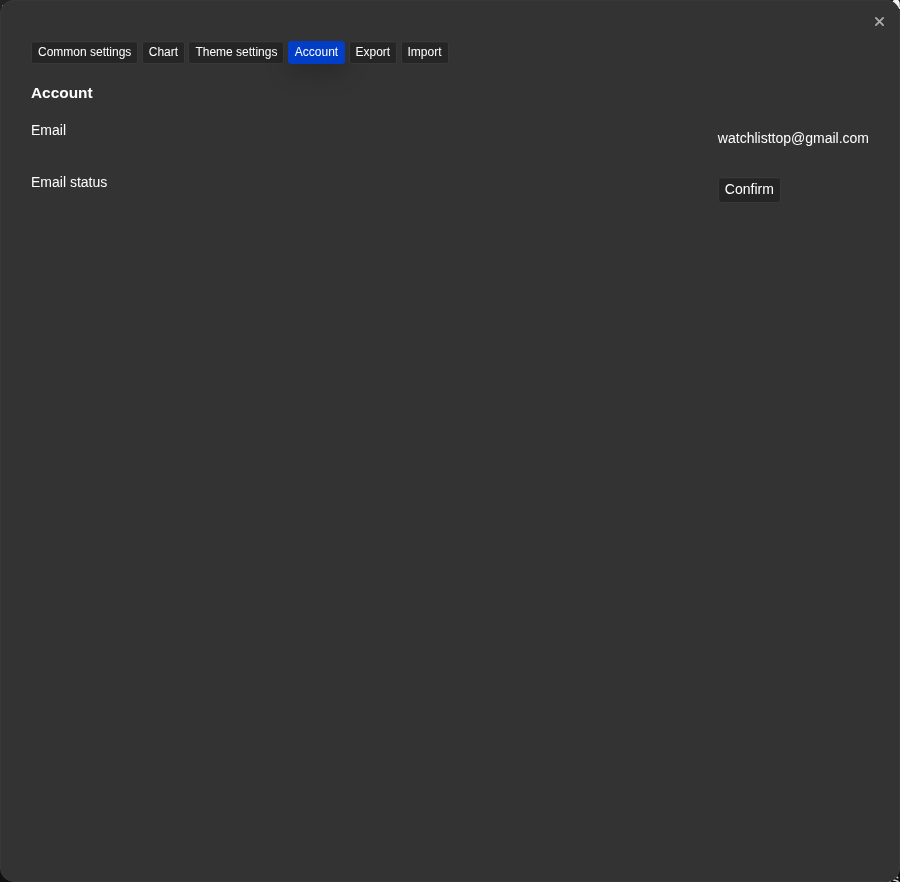
- Account settings showing email status (confirmed or not), the send confirmation button, and the email field.
- Account settings showing the Telegram bind section: generate link button, the link itself, and the status indicator.
- Account settings showing the delivery channel selector with Telegram and Email options.
- Account profile with a 30-day period, final cost and subscription expiration date.
- Pricing dialog with a promo-code/referral-ID field: a one-time promo code activates the subscription directly, a partner code gives a discount on the next payment.
- The broker discount dialog: choose Tiger or Vataga, the registration link, the reference code and the field UID.
- A table of attached UID with the columns "Counted", "Used" and "Accessible", with the payment source selected and the extension button.
Step-by-step flow
- To try Watchlist.top without sign-in: open the app and close or skip the sign-in dialog. Anonymous demo mode opens with a temporary market list and local browser settings.
- To sign in with Telegram, request a link from @WatchlistTopBot and open it. A new account starts in demo mode.
- To bind Telegram to an email account, confirm the email, generate the bind link in Account settings, open it in Telegram, press Start, and return to check the status.
- To confirm email: go to Account settings, enter your email if it is not set, and click “Confirm”. Open the link from the email that arrives.
- To change the alert delivery channel: open Account settings (via Settings → Account tab or the account area in the header). Find the delivery channel selector and choose Telegram or Email.
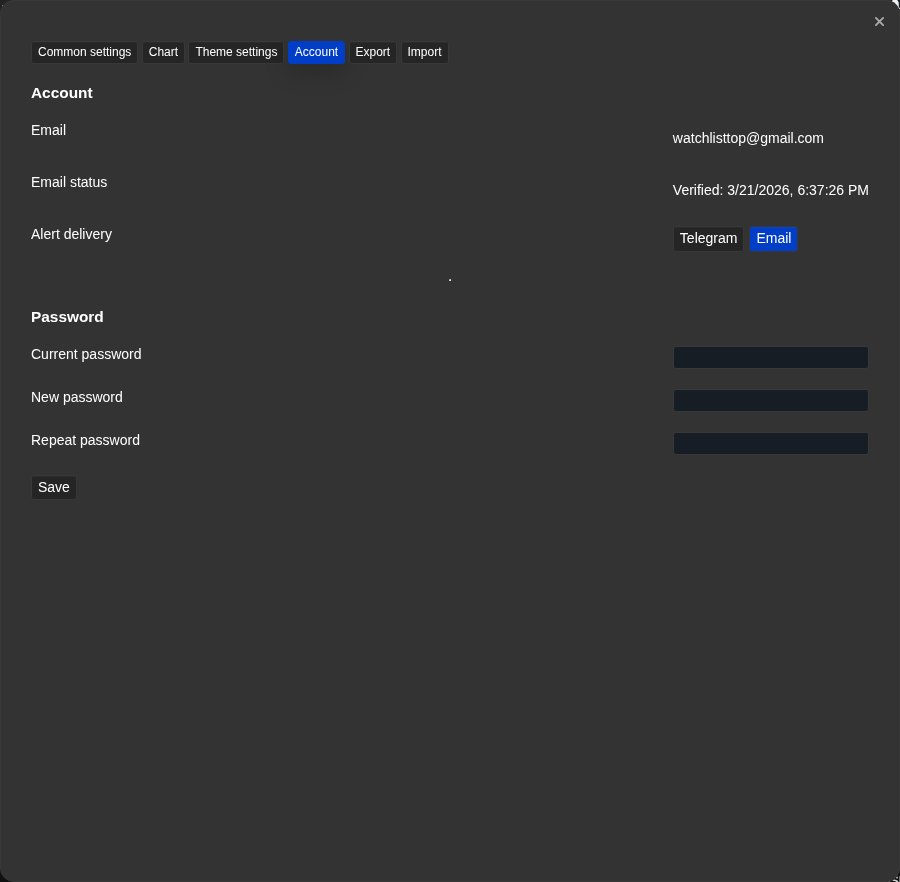
- To change your password: open Account settings, enter your current password and the new password twice, and save.
- To check access, open the account profile. An active subscription shows the paid-through date.
- For a regular renewal, choose 30–240 days, review the discount and total, then open payment. The invoice is valid for 4 hours.
- If the payment invoice expired before payment, return to "Pricing" or "Tariffs" and create a new invoice. A payment invoice is valid for 4 hours.
- If settings import/export or list import is disabled, check your current access state in Account settings. These transfer actions are available only for subscribed accounts.
- If adding an exchange API key is blocked, check whether the account is still in demo mode. Demo mode shows the dialog but does not allow saving a new connection.
- To reactivate alerts after access expires, renew first, then return inactive server price alerts to active monitoring.
- To activate a one-time promo code: open the pricing dialog or the account profile and enter the code in the promo-code/referral-ID field. If the code is valid, the subscription is activated or extended immediately, without creating a separate payment.
- To connect broker commissions, enable Discount up to 100%, choose Tiger or Vataga, join through the link or add the referral code, enter the UID, and bind it.
- To pay with broker commissions, choose the period, select a UID with enough available balance, and press Renew with broker balance.
- If the UID belongs to another Watchlist.top account, request a transfer, sign in to the previous account, and confirm the link within 24 hours.
Screenshots
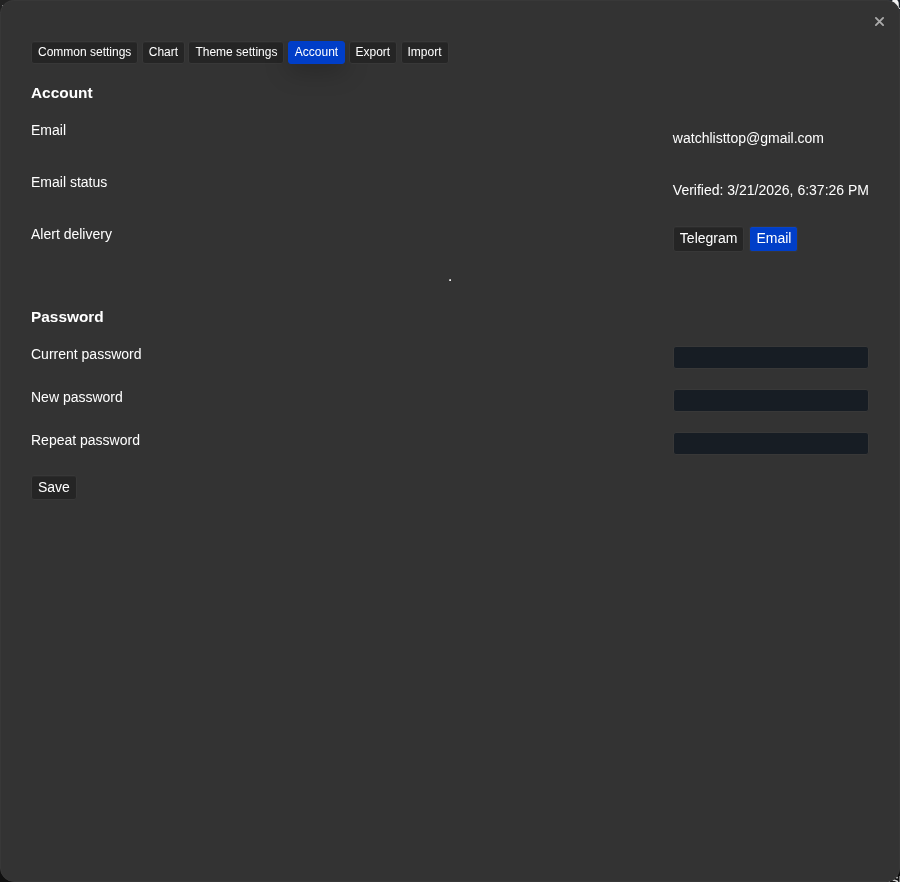
Account settings — email confirmation flow
The email field, confirmation status, and send button are grouped in Account settings.
Account settings — Telegram bind in progress
The generated bind link has an expiry indicator and a status state while the app waits for Telegram confirmation.
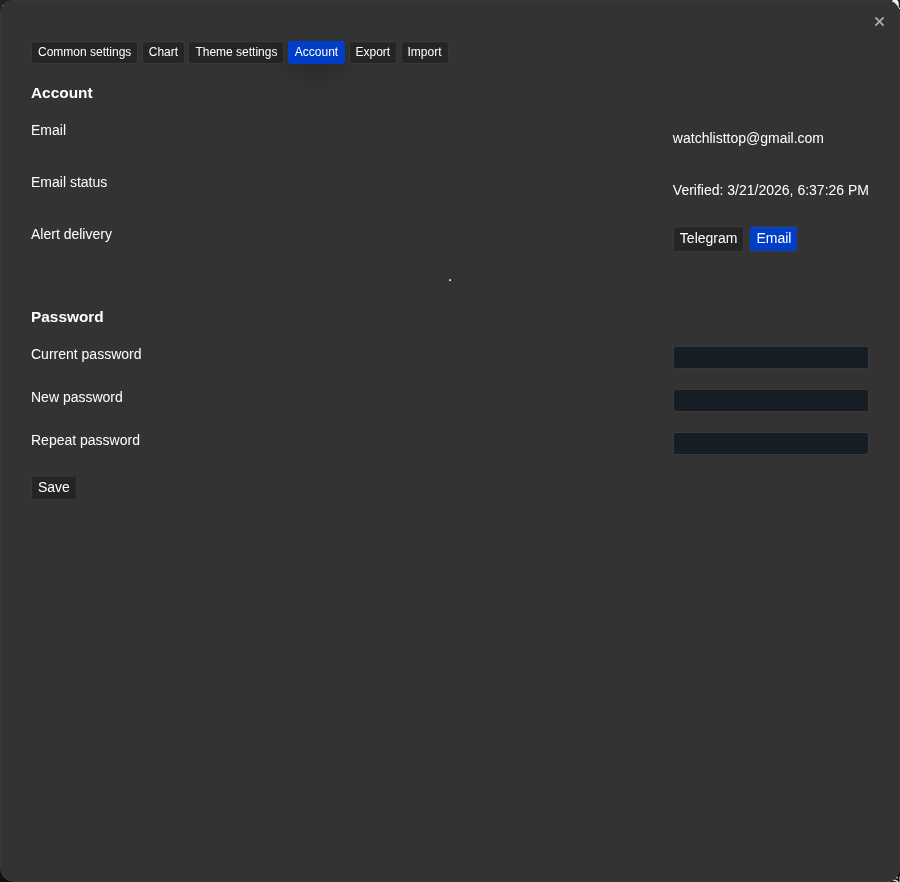
Account settings — delivery channel selector
The delivery channel selector shows Telegram, Email, and the currently selected channel.
Profile — period and broker discount
Shows remaining access, a period from 30 days, calculated price, and the Tiger/Vataga discount switch.
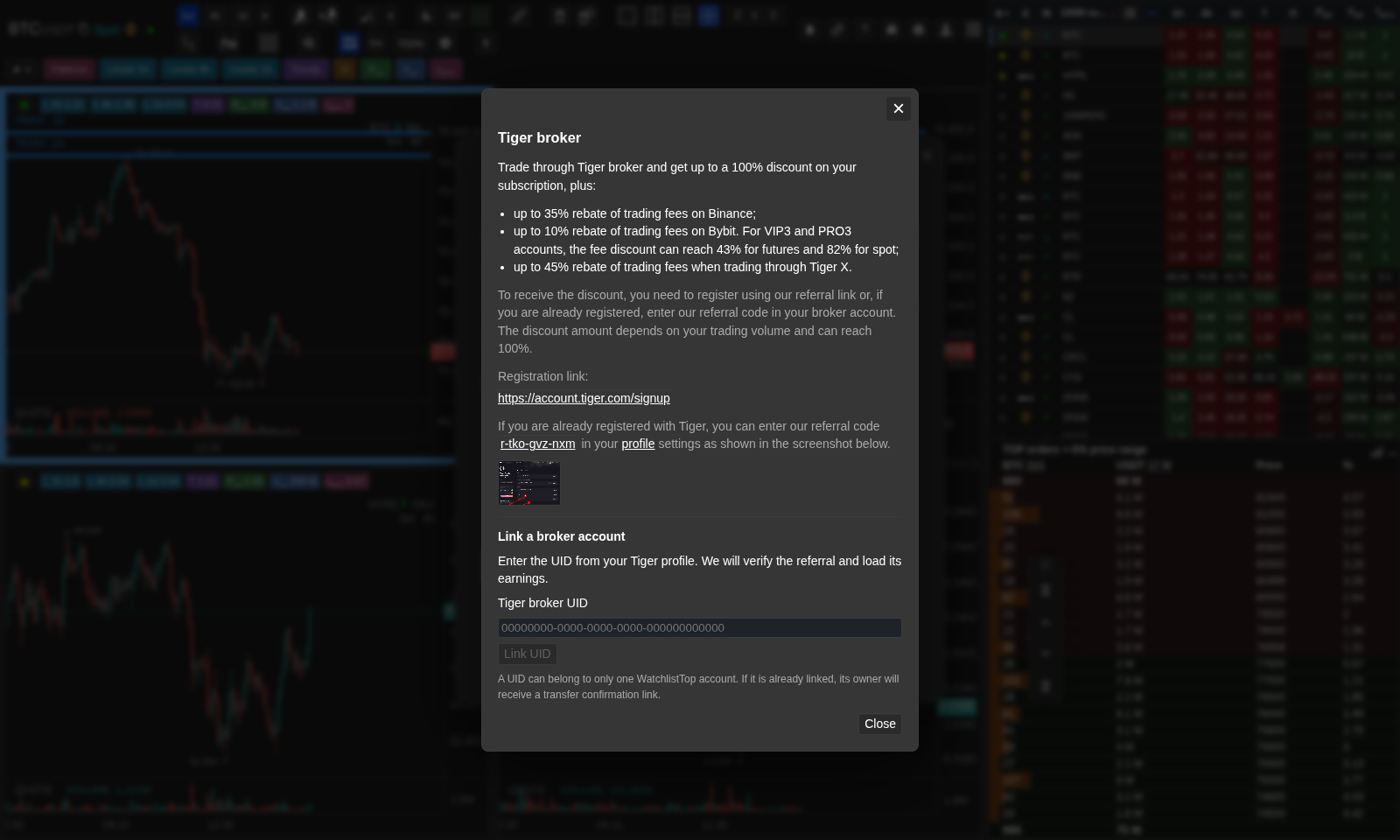
Binding a Tiger or Vataga UID
The broker dialog contains the partner link, referral code, and UID verification field.
Operational notes
- Telegram sign-in and Telegram bind are two different operations. Sign-in creates or resumes an account via the Telegram identity. Bind links an existing email account to Telegram without changing the sign-in method.
- The standalone/PWA manual link field does not create a separate auth method. It completes the same Telegram sign-in flow when automatic redirect handling is not convenient.
- ”Has Telegram bound” does not mean alerts are delivered to Telegram. The delivery channel is a separate setting.
- A new Telegram registration opens the application in demo mode.
- Anonymous demo stores settings locally in the browser. Since there is no user account yet, these settings are not written to the server and are not available on another browser or device.
- Email sign-in for new users starts in demo mode. Demo mode allows exploring the interface but blocks creating working lists and limits server-monitored notifications to one active.
- The demo market list is generated from top Binance USDT futures by 24-hour quote volume at app startup, so its symbols can change as market volume changes.
- The OI column is not available in demo mode. When you try to enable it, the app shows the demo warning instead of saving the setting.
- Settings import/export and list import are not available in demo or trial state. This is separate from normal account sync that keeps account settings available across browsers.
- Exchange-account key connection is a separate read-only trading-context feature. It is not the same as logging in to Watchlist.top and is not required for public market data such as OI, funding, or orderbook.
- The Telegram bind link expires in 5 minutes. If it is not opened in time, generate a new one.
- Expired server price alerts become inactive, not deleted.
- Each broker UID has an independent balance; one renewal cannot combine several UIDs.
- Available broker balance is confirmed commissions minus previous spending, not trading turnover.
- Removing a UID does not erase its balance or history.
- The Partner program is available from the account area: it provides a referral link or promo code, a 10% referral discount, a 30% partner reward, USDT TRC20 payouts, a top-10 table, and subscription renewal from partner balance. Check the in-app Partner FAQ for current conditions.
- The email action is labeled Confirm; a sent confirmation link must still be opened from the mailbox.
When to use it
- Use this section to check access level, subscription date, or why a feature is unavailable.
- When you want to check which alert channels are available with your account type.
- Use it for sign-in, Telegram binding, email confirmation, or broker-funded renewal.
When not to rely on it
- If you are looking for how to configure a chart tool or a specific metric column.
- If your problem is about list layout rather than account permissions.
Typical interpretation mistakes
- Do not assume Telegram or email registration automatically starts a trial.
- Forgetting to check whether your email is verified or Telegram is actually connected when alerts are not arriving.
- Thinking a past payment means you have active access right now.
- Do not confuse broker turnover with payable commissions or expect to combine several UIDs in one payment.
Algorithms and formulas to understand
- Why anonymous demo uses local browser settings instead of server sync
- Why demo uses a runtime top-10 Binance USDT futures list and a fallback list instead of a saved user list
- Why Telegram sign-in creates a separate account identity from email sign-in rather than merging them automatically
- Why is the right to a one-time trial on a Telegram connection checked by the account history, and the usual Telegram registration starts in the demo
- Why server-monitored notifications move to inactive rather than being deleted when the subscription ends
- Why settings transfer and list import are tied to subscribed access rather than demo or trial access
- How the available balance of a separate brokerage UID is calculated from verified accounts and saved accounts history
- Why does the server recheck the selected UID, current balance, and value of the period before extension